
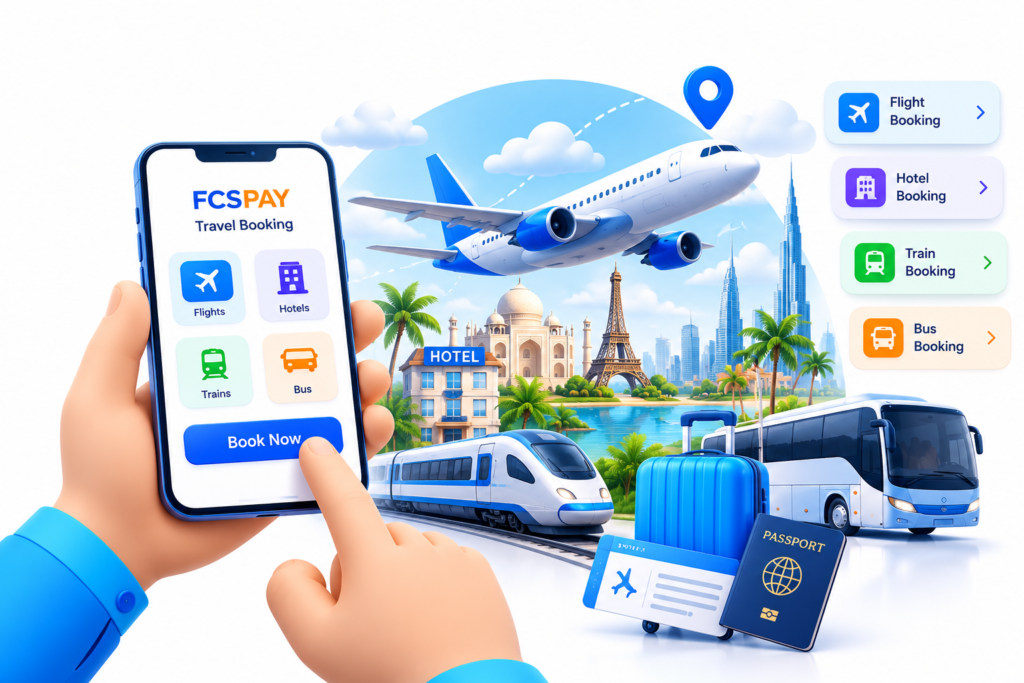
Travel Booking Assistance at Your Outlet
Participating retailers can explore travel-related booking options enabled in their FCSPAY account. Available transport types, routes, fares, schedules, cancellation rules and booking confirmation are determined by the relevant travel provider.
Offer customers a local point to enquire about available travel options.
Review fare, schedule and cancellation conditions before proceeding.
Use the provider's confirmation and status details for each booking.

Contact FCSPAY support
Get assistance with onboarding and enabled services
Join the FCSPAY network to explore enabled services for your retail business. Availability is subject to onboarding, account activation, applicable terms and provider coverage.
FCSPAY brings enabled digital business services into one partner platform. Travel inventory, prices, booking availability and post-booking support depend on the connected provider and its applicable terms.

Offer customers a local point to enquire about available travel options.
Review fare, schedule and cancellation conditions before proceeding.
Use the provider's confirmation and status details for each booking.
Ask for the customer's destination, dates and travel preferences.
Check available journeys and details in the enabled booking workflow.
Confirm passenger details, fare and conditions before payment.
Share the booking status and provider reference shown by the system.